Your Google Business Profile Has a Holiday Hours Feature. Are You Using It?
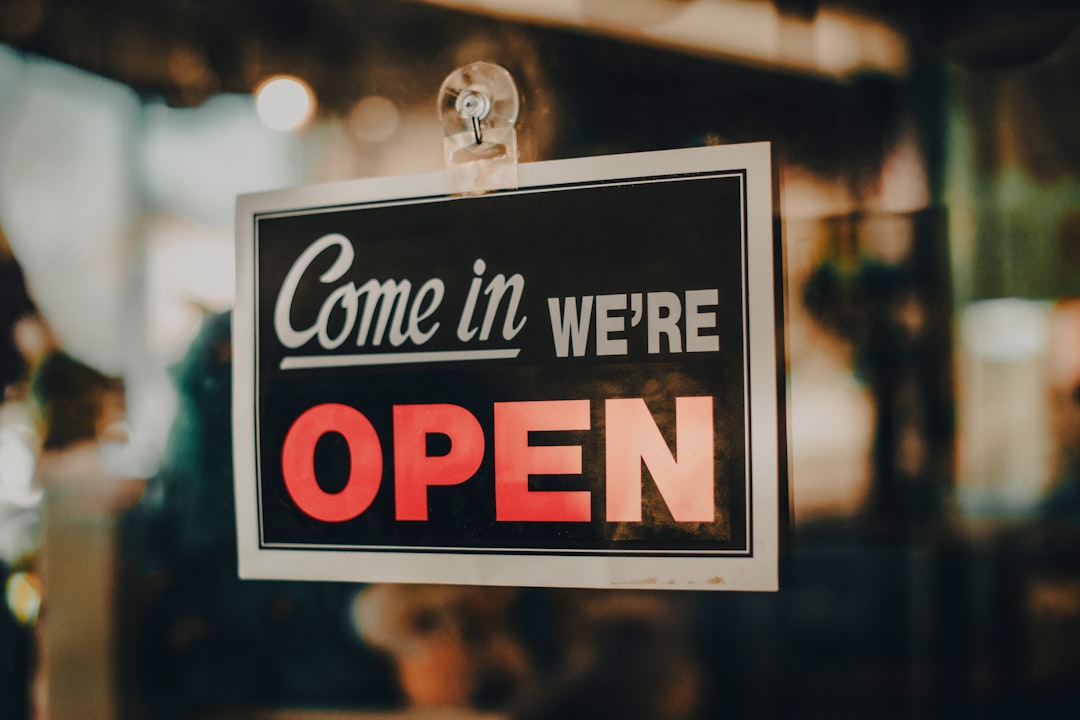
Happy Fourth of July. While you're grilling, someone in your neighborhood is on their phone trying to figure out if you're open today.
What do they see?
If you haven't touched your Google Business Profile's special hours feature, they probably see this: "Hours may differ on holidays." That's Google's polite way of saying it has no idea what your actual schedule is right now, so it's hedging. The customer sees uncertainty. And when people are unsure, they move on.
This is one of those small things that costs businesses real walk-in traffic, quietly, on every major holiday.
What Google Actually Shows
When a holiday rolls around, Google doesn't just display your regular hours. It pulls from a separate "special hours" field. If you've never filled that in, Google flags it with the "may differ" warning. Some business listings show nothing at all. Both outcomes create the same problem: the person searching decides not to take the chance.
On the other hand, if you've set your holiday hours correctly, customers see exactly what you want them to see. Open until 3pm? They know. Closed today? They know and won't waste a trip. Either way is better than ambiguity.
The Feature Itself
Inside your Google Business Profile, it's called "Special hours." You can find it under the Edit profile section, right below your regular hours. Google even pre-populates a list of upcoming U.S. holidays so you're not hunting for dates. You pick the holiday, set the hours (or mark it as closed), and save.
That's it. Takes about five minutes per holiday. The change shows immediately, and Google will start surfacing your accurate hours for any search that happens to fall on that date.
One thing people get nervous about: will setting special hours mess up the regular schedule? No. Special hours sit in a separate layer. Once the holiday passes, your regular hours kick back in automatically. You're not editing anything that affects Monday-Friday service.
Why It Matters More on Holiday Weekends
The Fourth of July is a good example of why this bites local businesses hard. A lot of people are off work, they're running errands, they're out of their routine. They're searching for things they wouldn't normally look for on a Tuesday afternoon: a bar that's open late, a restaurant that's not slammed, a hardware store that's open before the fireworks start.
Search traffic for local businesses tends to spike on holidays, specifically because people's routines are disrupted and they need to check before they go anywhere. That means more eyes on your profile at exactly the moment your hours are most likely to be flagged as uncertain.
The Trust Factor
Beyond the practical piece, there's a credibility angle here. A business with up-to-date holiday hours looks like it's paying attention. A business with the "may differ" warning looks like nobody's minding the store. That might not be fair, but it's how customers read it.
When you're competing with the business three blocks away, the small signals matter. Regular hours updated, holiday hours set, photos from the last six months, a few recent reviews. Each one is a small vote for "this business is real and active." The ones missing are the ones that quietly lose the tie-breaker.
What to Do Right Now
If you're open today, set today's hours before the afternoon rush. If you're closed, mark it closed so nobody makes the drive.
Then, while you're in there, look ahead. Labor Day is about nine weeks out. Halloween, Thanksgiving, Christmas. Block out 20 minutes sometime this month and set your special hours for the rest of the year. It's the kind of task that's easy to do once and genuinely forget about.
Your regular Google Business Profile settings also let you post updates, respond to reviews, and add or update photos. If any of those have been sitting untouched for a while, the holiday downtime is a good time to knock it out.
If you don't have a Google Business Profile yet or yours is incomplete, that's worth fixing before anything else. It's the first thing most local customers see when they search for a business like yours.
On Point helps Pinellas and Pasco County businesses get their online presence working, from GBP setup and optimization to a website that actually converts visitors into calls. If any of this sounds like something you'd rather hand off, get in touch.

On Point
Web design, SEO & AI chatbots for local businesses in Pinellas & Pasco County, FL.
Ready to grow your business online?
Get Your Free Strategy Call →