Before the Storm: What Your Website Needs to Do During Hurricane Season
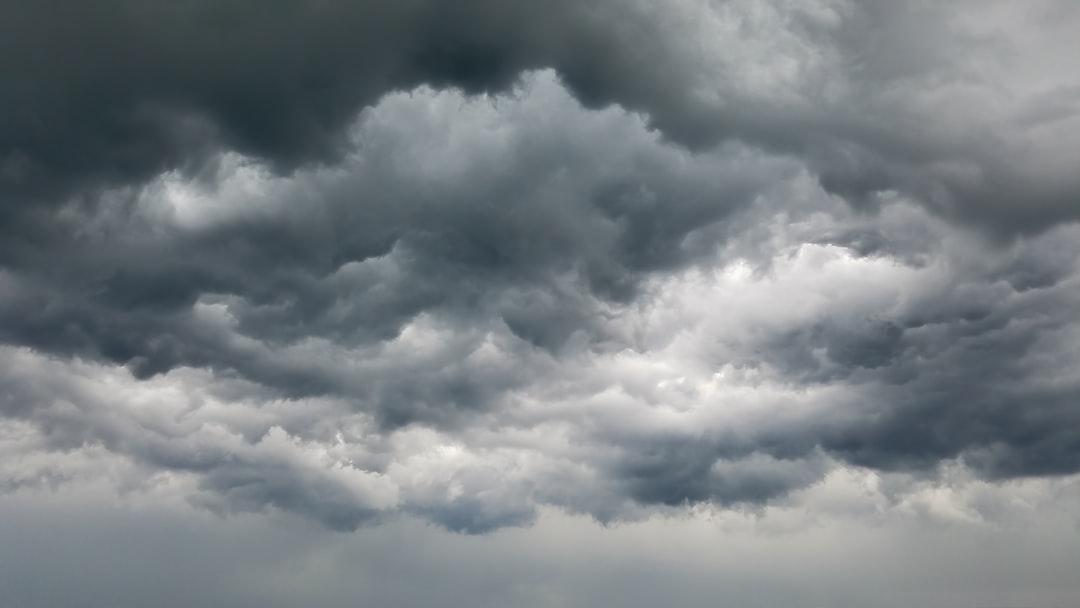
Before the Storm: What Your Website Needs to Do During Hurricane Season
June 1 is the official start of Atlantic hurricane season — and most Florida small businesses are thinking about sandbags and generators, not their websites. That's a mistake.
When a storm is 48 hours out, your customers aren't calling you. They're Googling you. They want to know if you're open, if you're canceling appointments, if you'll be back next week. Your website is the first place they'll look, and if it doesn't answer those questions fast, they'll move on to someone who does.
Here's what your website needs to do before hurricane season gets serious.
1. Make Your Phone Number Impossible to Miss
Not buried in the footer. Not in your nav bar where nobody looks. Your phone number belongs above the fold on every page — ideally in the top right corner, large enough to read on a phone screen without zooming.
When a storm is incoming, people are calling businesses fast. They're not filling out contact forms and waiting. If your number isn't front and center, you're losing those calls to the competitor whose number is.
2. Sync Your Website Hours With Google Business Profile — Now
Your Google Business Profile hours are what show up in Google Maps, in the knowledge panel, in "is this place open?" searches. If they don't match your actual hours, you're already sending mixed signals.
Before the season heats up:
- Make sure your GBP hours are current and accurate
- Confirm your website's "Hours" section matches exactly
- Learn how to mark your business as temporarily closed or update hours quickly — because when a storm forces you to shut down for a week, you'll need to do this in 30 seconds
Google has a "special hours" feature for holidays and closures. Use it. Businesses that leave their GBP showing "open" during a storm closure get 1-star reviews from frustrated customers who drove there.
3. Know How to Post a Banner or Announcement Fast
When a storm is 72 hours out and you need to tell customers you're closing early or suspending service, can you update your website yourself? Or do you have to call a developer, wait two days, and hope the storm waits?
If you're on a platform like WordPress or Squarespace, make sure you know how to add a banner or announcement bar. If your site is custom-built, ask whoever built it to set up a simple way to toggle a closure message — even a static HTML site can have a visible alert added in under 10 minutes if you know what you're doing.
Customers who see a clear "Closed through Monday — we'll reopen June 17" message will wait for you. Customers who see nothing assume you've gone out of business.
4. Make Sure Your Contact Form Actually Delivers
This sounds obvious, but it's one of the most common issues we find when we audit a small business website: the contact form submissions are going to an email address nobody checks, or they're landing in spam.
Storm season is not when you want to discover this. Before June gets serious:
- Submit a test message through your own contact form
- Confirm it arrives in your inbox, not your spam folder
- Make sure the email address receiving those submissions is one you actually monitor
5. Speed and Mobile Performance Matter Most When Conditions Are Worst
During and after a storm, people are on their phones, often on spotty mobile connections. A slow-loading website loses those visitors in seconds. A site that works fine on desktop but breaks on a 4-inch screen is useless to someone standing in a parking lot trying to figure out if you're open.
Run your site through Google's PageSpeed Insights (search for it — it's free). Look at your mobile score. Anything under 70 is worth addressing before storm season peaks. The fixes — compressing images, reducing third-party scripts, lazy-loading — aren't glamorous, but they're the difference between a visitor who finds your number and one who gives up.
6. Have a "We're Back Open" Plan
Most businesses think about closing messaging. Almost nobody thinks about reopening messaging.
After a storm passes and you're operational again, your customers still don't know that. They're not checking your social media. They're Googling. So:
- Update your GBP hours the moment you're back
- Post an update on your site homepage (even a single sentence)
- If you have a contact form, turn it back on
Businesses that communicate fastest after a storm capture the most post-storm revenue. People are anxious to get back to normal — give them a reason to call you first.
The Bottom Line
Hurricane season runs June through November. You have roughly 24–48 hours of notice when a storm is actually coming. That's not enough time to figure out how to update your website, find the login to your Google Business Profile, or track down your developer.
Do this work now, while it's calm. Know your logins, test your contact form, check your mobile speed, and confirm your hours are accurate everywhere. When a storm comes, you'll spend your time on what actually matters — and your website will do its job without you having to touch it.
On Point Digital Studio helps Pinellas and Pasco County businesses maintain professional, functional websites year-round. If you're not sure your site is storm-ready, get in touch — we'll take a look.
On Point
Web design, SEO & AI chatbots for local businesses in Pinellas & Pasco County, FL.
Ready to grow your business online?
Get Your Free Strategy Call →