Microsoft Clarity Is Free and Most Small Business Owners Have Never Heard of It
Microsoft Clarity Is Free and Most Small Business Owners Have Never Heard of It
Google Analytics tells you that 200 people visited your contact page last month. What it doesn't tell you is that 180 of them scrolled down, couldn't find the phone number, clicked somewhere that didn't do anything, clicked again, then left.
That's the gap that Microsoft Clarity fills. And it costs nothing.
What Clarity Actually Is
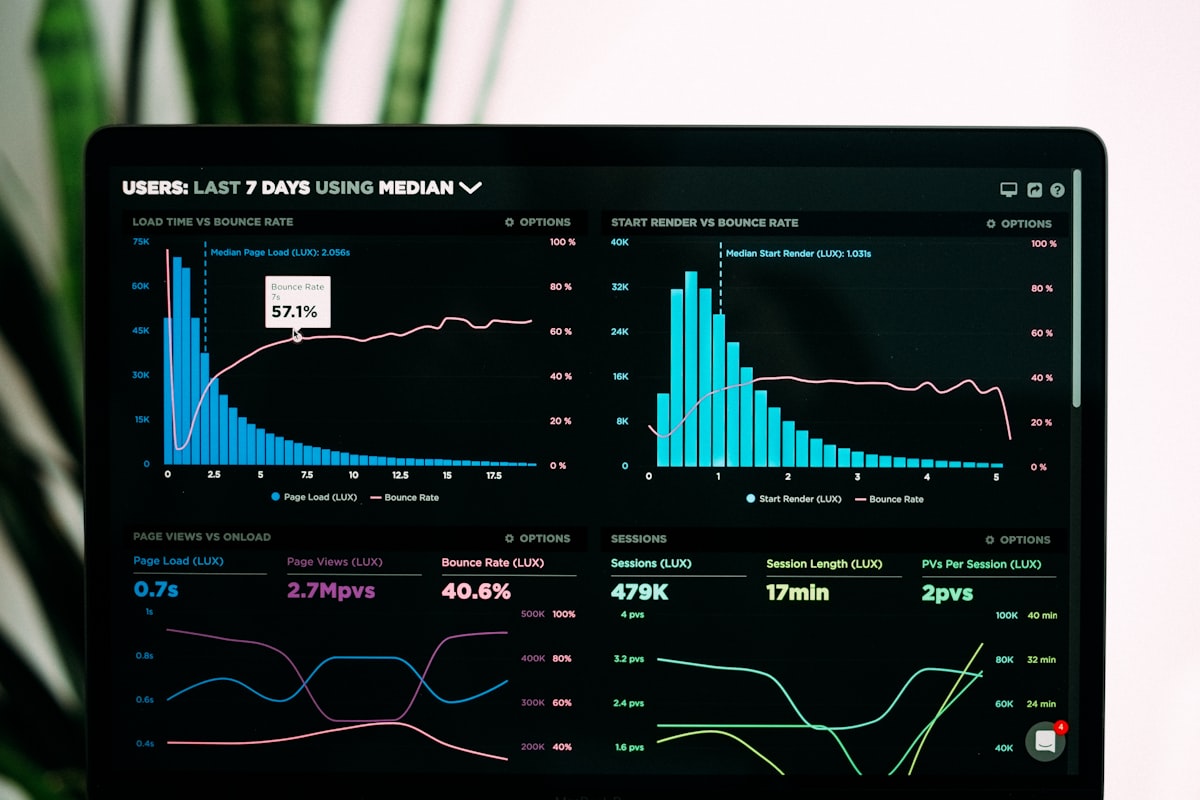
Microsoft Clarity is a behavior analytics tool. It records how real visitors interact with your website — where they move their mouse, what they click, how far they scroll, and where they give up.
It produces two main things:
Session recordings. Videos of actual visits to your site. You can watch someone navigate your homepage in real time, see where they hesitated, see what they tried to click that didn't work. It's equal parts useful and humbling. Heatmaps. Aggregated views across hundreds or thousands of sessions. Click heatmaps show you where people are tapping. Scroll heatmaps show you how far down the page visitors actually get before leaving.It also flags a few specific behaviors automatically:
- Rage clicks — someone clicking the same spot over and over, usually because they expected something to happen and it didn't
- Dead clicks — clicks on elements that aren't interactive (images, text, icons people assumed were buttons)
- Excessive scrolling — back-and-forth scrolling that suggests someone is searching for something they can't find
- Quick backs — someone landed on a page and immediately bounced
Microsoft launched Clarity back in 2020 and has quietly built it into one of the best free tools in web analytics. It integrates with Google Analytics 4, stores 90 days of session data, and has no session or traffic limits.
Why Small Businesses Should Actually Care
Most small business websites are built once, pushed live, and rarely revisited. The owner assumes it's working because it looks good. Clarity is often the first tool that reveals it isn't.
Common things business owners discover after installing Clarity:
Their phone number isn't clickable on mobile. They watch session after session of mobile visitors tapping on the phone number and nothing happening — because it's plain text, not a `tel:` link. The CTA button on the homepage is below the fold. On desktop it looks fine. On a 375px iPhone screen, visitors have to scroll to find it — and most don't. Nobody is reading the services section. The scroll heatmap shows that the average visitor drops off 40% down the page. Everything below that — including the detailed services list that took three days to write — is essentially invisible. A header image is getting rage-clicked. Visitors think it's a button. It's not. Simple fix: either link it or kill the hover effect.These aren't hypothetical. They're the kind of thing you find in the first week.
Setup Takes About Five Minutes
Installing Clarity works the same way as Google Analytics. You create a free account at clarity.microsoft.com, add your website, and copy a small JavaScript snippet into your site's `
` tag.If your site is on WordPress, there's a plugin. If you use Google Tag Manager, you can add it there. If your site was built by a developer, the snippet can be dropped directly into the HTML.
Once it's installed, give it 24-48 hours and start watching sessions. Look at the pages that matter most first — your homepage, your contact page, and your most-visited service page.
What to Do With What You Find
Clarity gives you data. Making changes is the part that actually matters.
When you spot a problem in a recording, note the specific issue and the device it appeared on (most surprises come from mobile). Check whether the same pattern shows up on the heatmap — if it does, it's widespread, not a one-off.
Then fix it. Change the CTA copy. Add a `tel:` link to the phone number. Move the important content up the page. Remove the image hover effect that's confusing people.
The goal isn't to obsess over data. It's to catch the friction points that are silently costing you calls and form submissions.
One Tool, No Excuses
Hotjar has been the industry standard for this kind of work, but their free plan is limited to 35 sessions per day. Clarity has no session cap. For a small business website getting a few hundred visits a month, you'll capture essentially everything.
The catch — and it's a minor one — is that Clarity is owned by Microsoft and its data is used to improve Microsoft's own AI products. It's in the terms. If that's a dealbreaker, Hotjar is the alternative. For most small business owners, it isn't.
If you want Clarity installed and don't know where to start, or if you've got the data and aren't sure what it's telling you — that's exactly the kind of thing we help with. Get in touch with us and we'll take a look.

On Point
Web design, SEO & AI chatbots for local businesses in Pinellas & Pasco County, FL.
Ready to grow your business online?
Get Your Free Strategy Call →